
First Login
Welcome! This guide will help you log in for the first time and navigate the MyStudio platform.
Logging In
Step 1: Go to the Login Page
Navigate to your production company's portal login page.
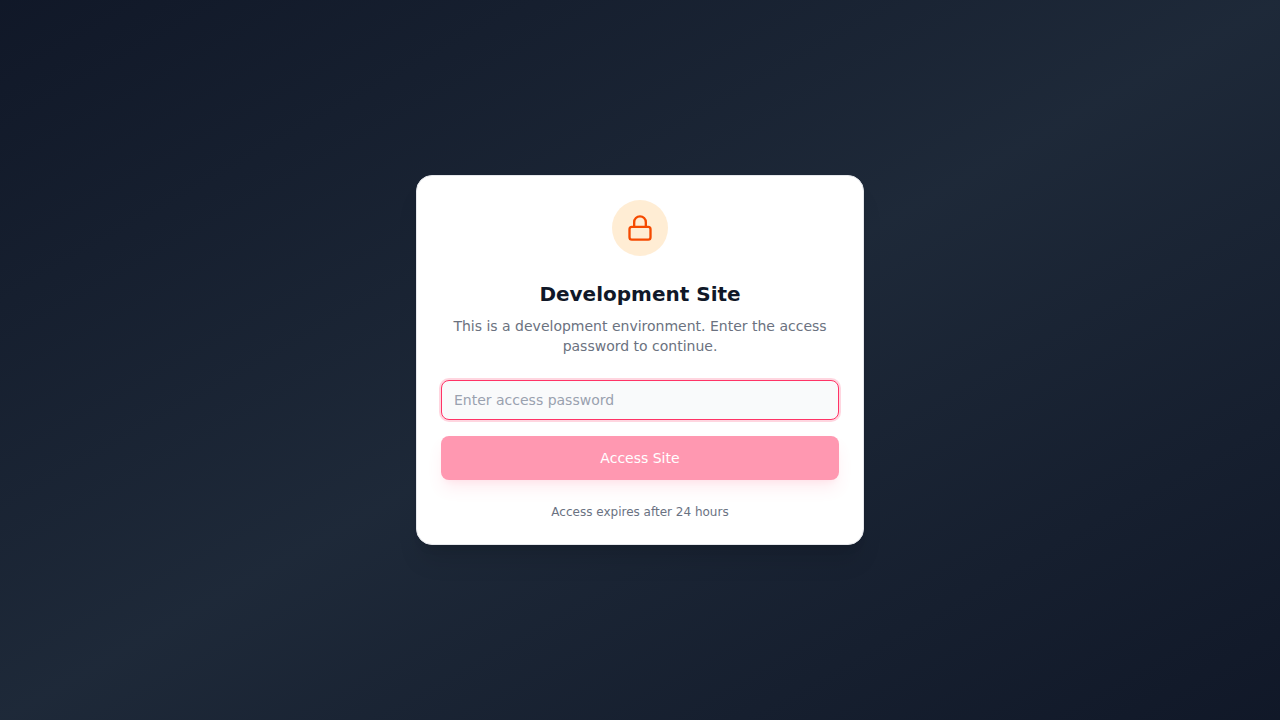
Step 2: Enter Your Credentials
Enter your email address and password:
- Email - The email you used during signup
- Password - Your assigned password
Step 3: Click Sign In
Click the Sign In button to access your account.
Password Security
If this is your first time logging in, we recommend changing your password in Settings after logging in.
Forgot Your Password?
If you've forgotten your password:
- Click the Forgot password? link on the login page
- Enter your email address
- Check your email for reset instructions
- Follow the link to create a new password

Navigating the Dashboard
After logging in, you'll see the main dashboard with:
Sidebar Navigation
The left sidebar contains links to all main areas:
- Dashboard - Overview of your activity
- Projects - Your video projects
- Company Assets - Brand assets and files
- Settings - Account settings
Top Navigation
The top bar includes:
- Search - Find projects, comments, and assets
- Notifications - View recent updates
- Profile Menu - Access settings and logout
What's Next?
Now that you're logged in, explore these guides:
- Dashboard Overview - Understanding your dashboard
- Creating a Project - Start your first video project
- Understanding Roles - Learn about permissions